Tools that bring customers back
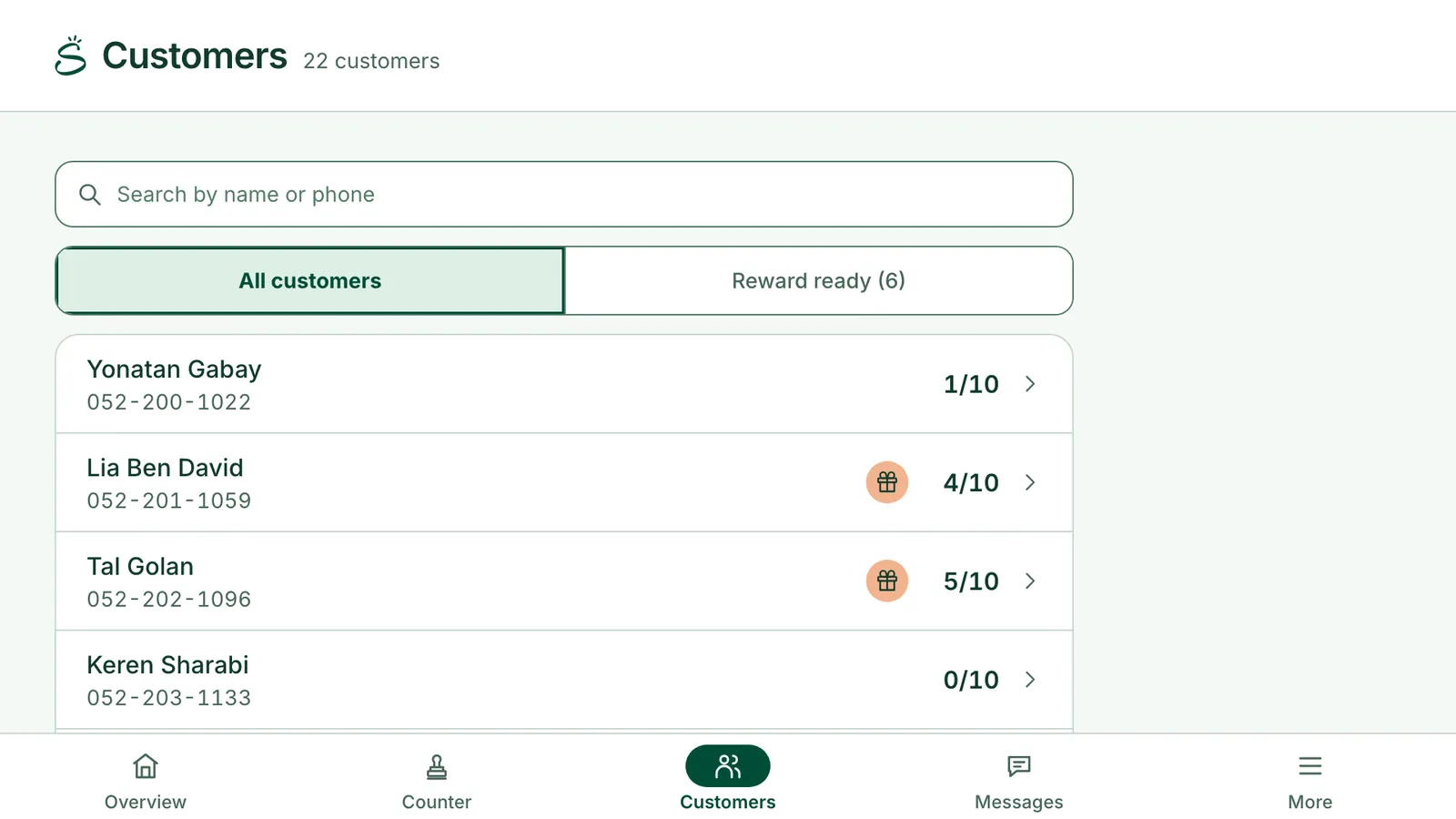
Your customers, by name
Who comes in, and how close each one is to a reward.
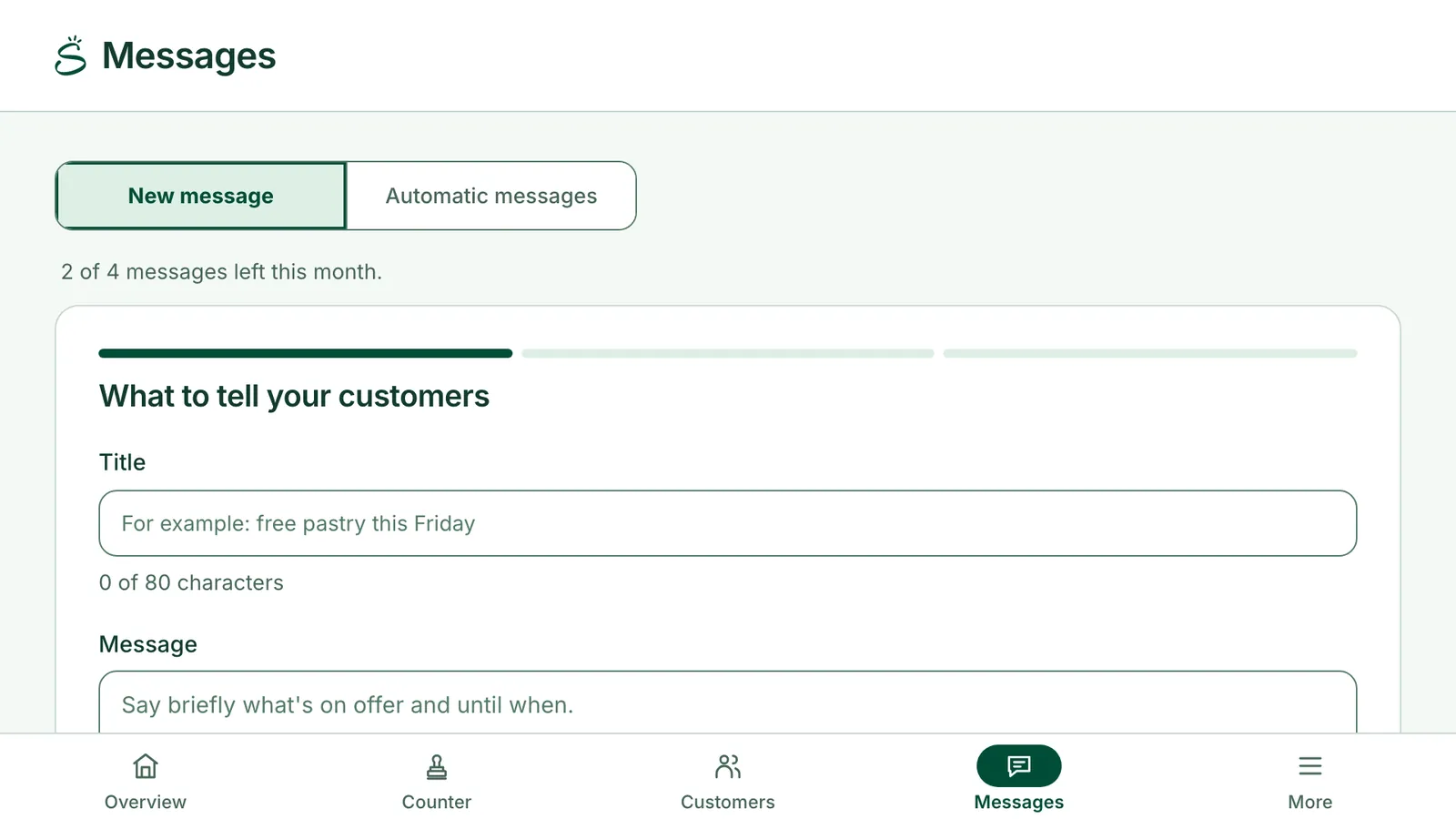
Messages to their phones
To everyone, to people away for 30 days, or to people one step from a reward.
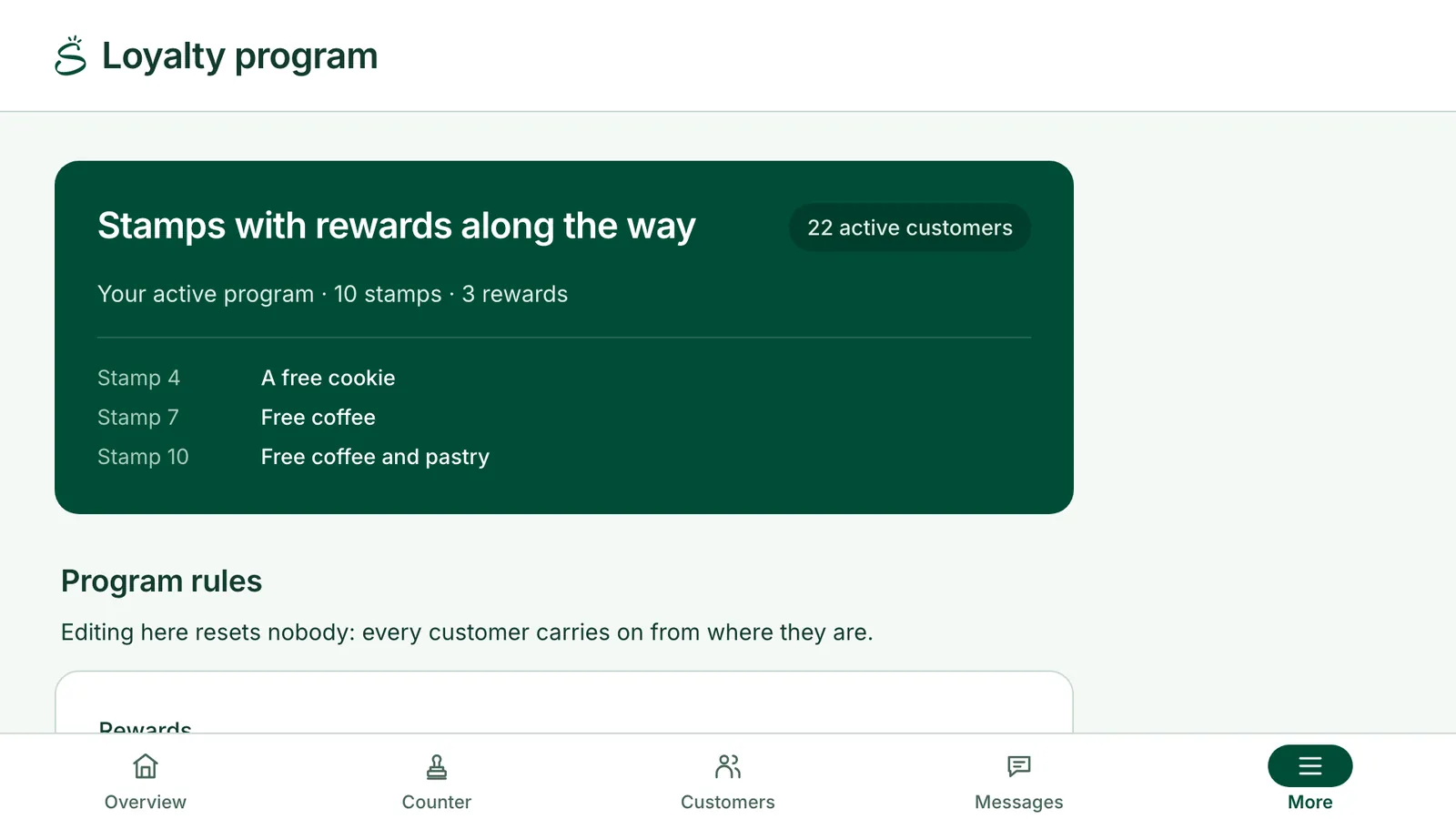
Set up your card in minutes
Choose how many stamps it has and what the rewards are.
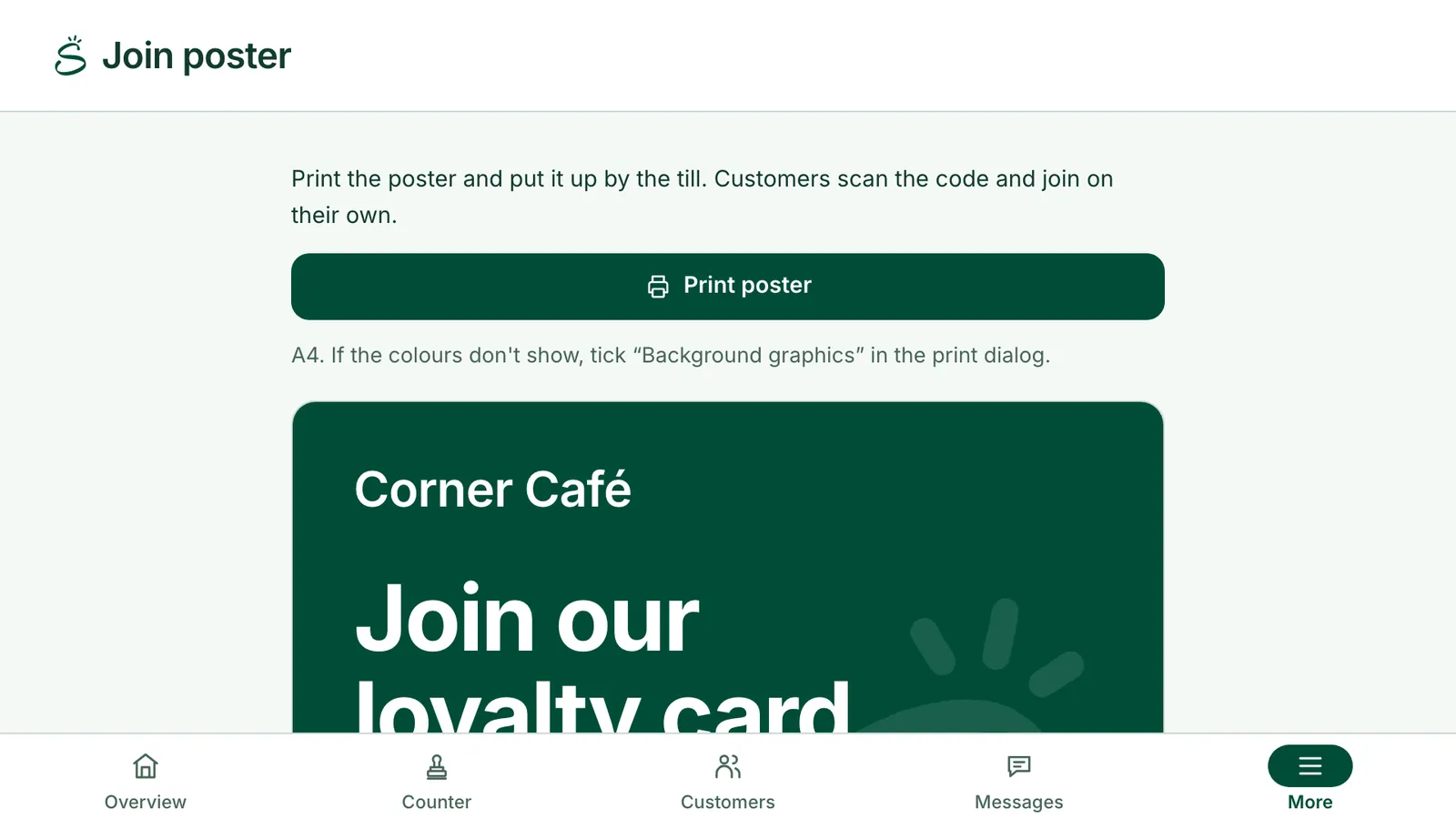
A poster for the counter
Print it, and customers join on their own.
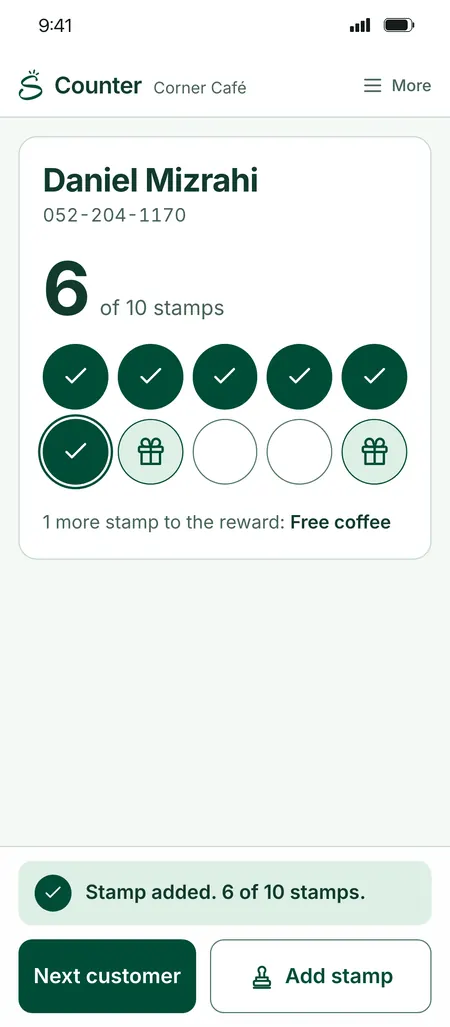
Staff scan from their own phones
The counter screen works in any browser.
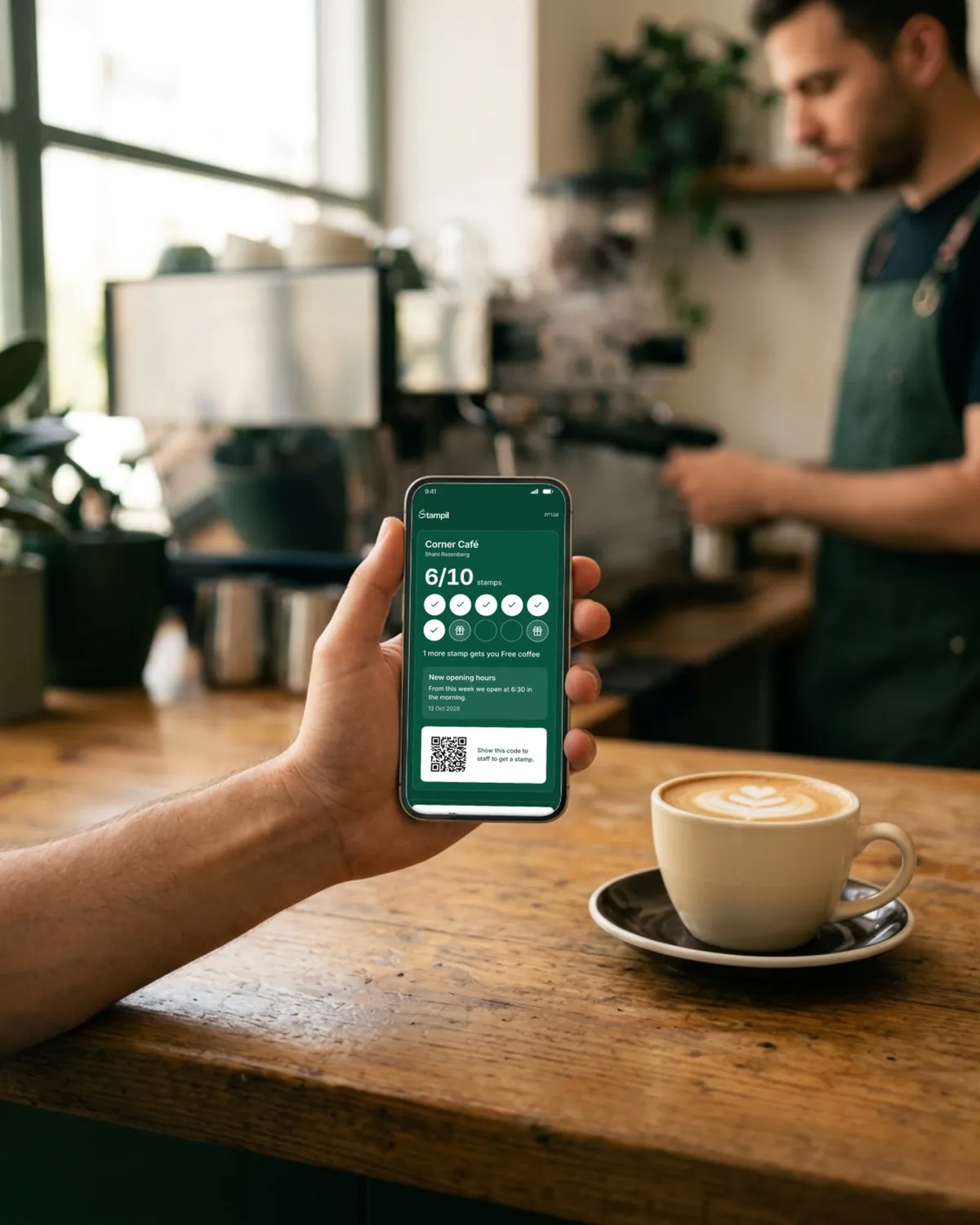
And on the card itself
Card branding
Your logo and colour.
Automatic messages
A welcome, “nearly there”, and “come back” after 30 days.
Branding and messages come with Pro and up. Automatic messages come with Business.
Paper cards work. Until they go missing.
- The card stays at home
- You don't know who your regulars are
- You can't remind anyone they're one stamp away
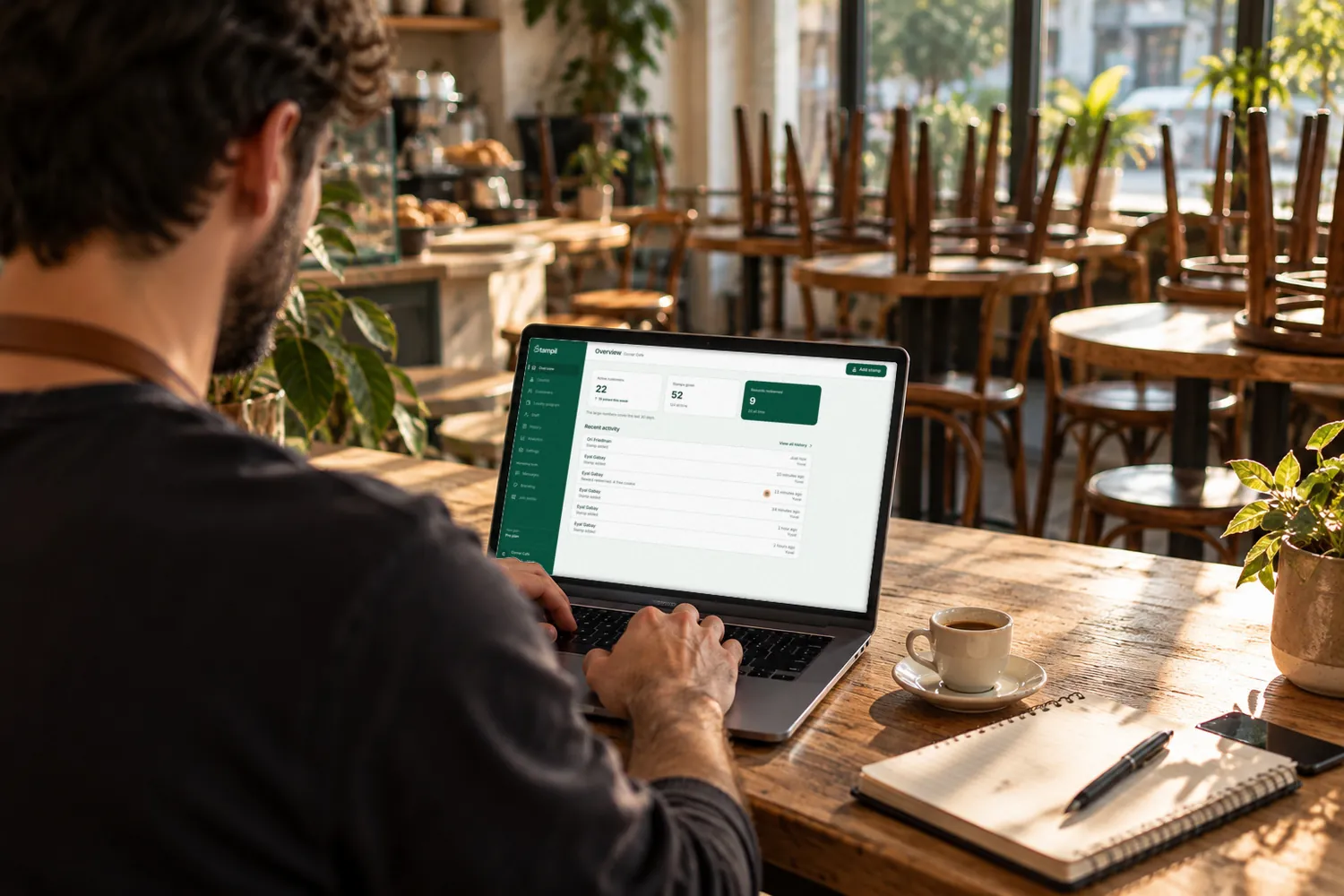
The pictures are illustrative. The screens in them are Stampil's own, except the Google Wallet card, which is drawn. Corner Café is an example business. The screens are Stampil's own and show example businesses. The names and numbers in them are sample data.
Your next customer is already at the counter
Open an account, set up your card and print the code, all today.

You've filled the card. Your reward:
30 days of Pro, free
Same as every new business. No credit card.